Productivity
Excel
v1.0.12026.1.0+
2€
One-time purchase
📖 Overview
The Excel Package provides a comprehensive toolkit for working with Microsoft Excel files in NodeIns. Built on the robust openpyxl library, this package enables you to automate spreadsheet tasks, extract data for analysis, and generate reports—all through a visual, node-based interface.
Whether you're processing large datasets, automating repetitive Excel tasks, or building data pipelines, the Excel package gives you the tools to work efficiently without writing a single line of code.
🌟 Key Features
- •File Operations: Open, save, and close Excel workbooks with ease
- •Data Reading: Extract data from specific ranges or entire sheets
- •Data Writing: Write structured data to Excel with precise control
- •Smart Data Helpers: Parse and manipulate Excel data with specialized utility nodes
- •Structured Output: Work with clean, structured data that's easy to process
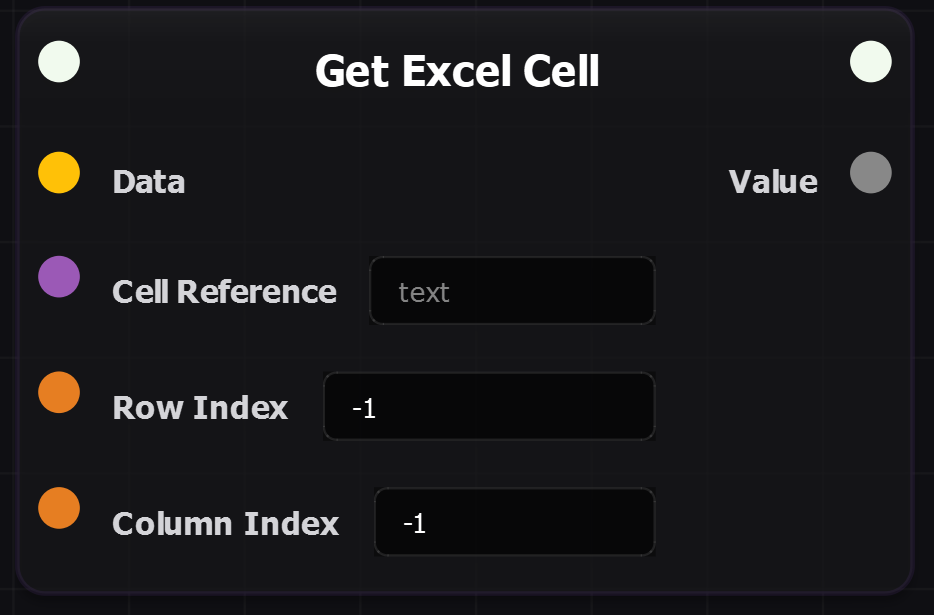
- •Flexible Cell Access: Reference cells using Excel notation ('A1') or numeric indices
Fully translated and available in:
- •🇬🇧 English
- •🇫🇷 French (Français)
📦 Technical Requirements
- •Based on:
openpyxllibrary - •Supported Format:
.xlsx(Excel 2007+) - •Data Structure: Structured dictionaries with metadata
- •Column Indexing: 0-based integers (0 = column A, 1 = column B, etc.)
- •Row Indexing: 0-based integers